
Step 1.
-
Establish your Handshake account at https://ucmerced.joinhandshake.com if you do not already have one.
-
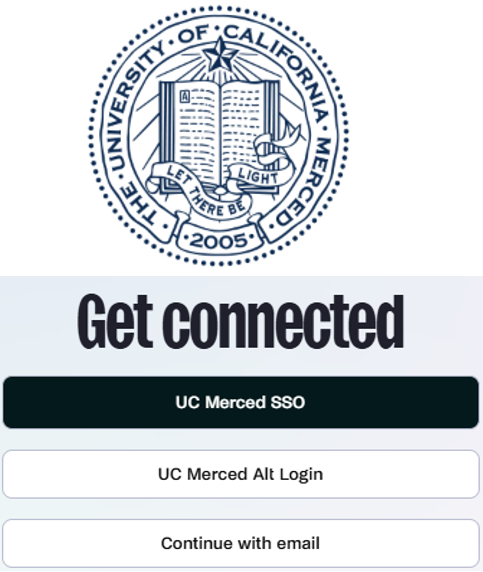
Log in to Handshake using your UC Merced Single Sign On (SSO) credentials
-
Create/update your profile and upload a resume, cover letter and other commonly requested documents (transcripts, certificates, etc.).
Step 2.
-
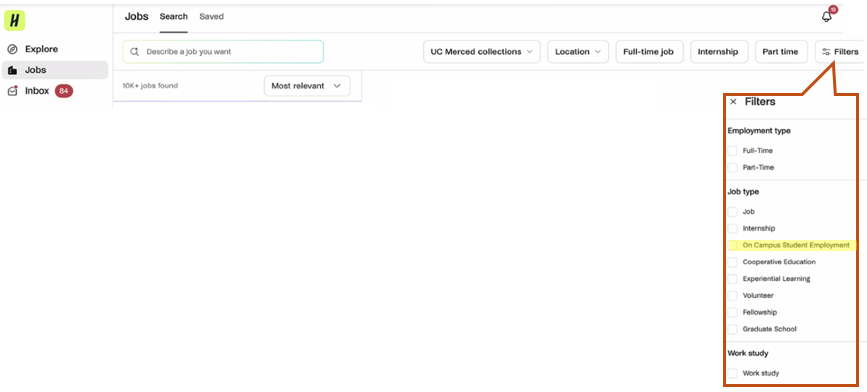
Navigate to the “Jobs” tab
-
Select the “On Campus Student Employment” filter
-
Review available jobs
Step 3.
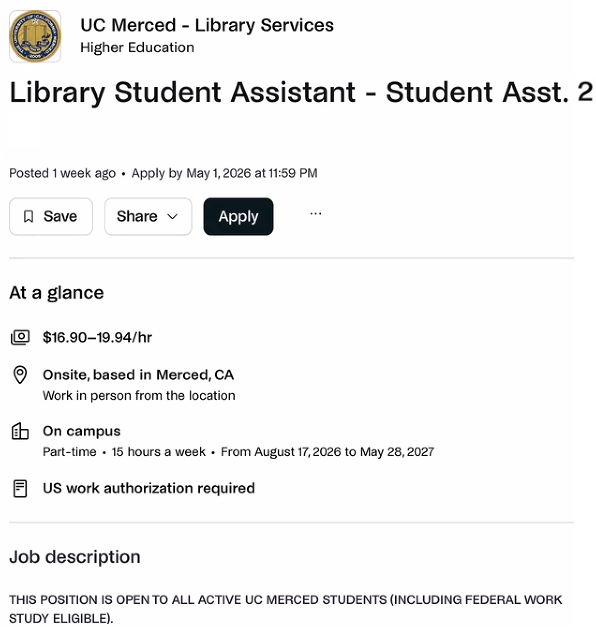
- Apply
There are 2 application types:
- Apply – If you do not have the specific documents in your profile that the employer has indicated as required, the system will prompt you to add them before your application can be submitted.
-
Quick Apply - If your profile already contains the documents being requested as part of the job posting, the quick apply option appears. By clicking this button, you will not have an opportunity to edit your documents. Your application will be submitted using the documents in your profile.
To learn more on how to apply for jobs in Handshake, please visit the Handshake Help Center webpage.
Step 4.
-
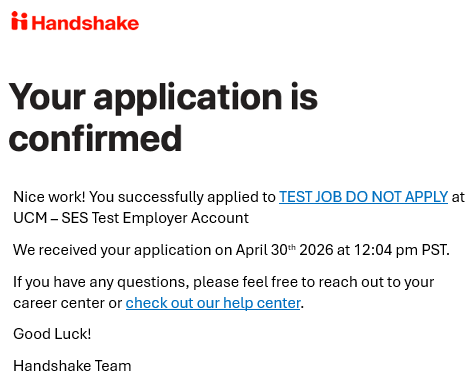
Receive confirmation of application email.
Step 5.
- If you are selected as a candidate for interview, an employer representative will contact you for next steps.
